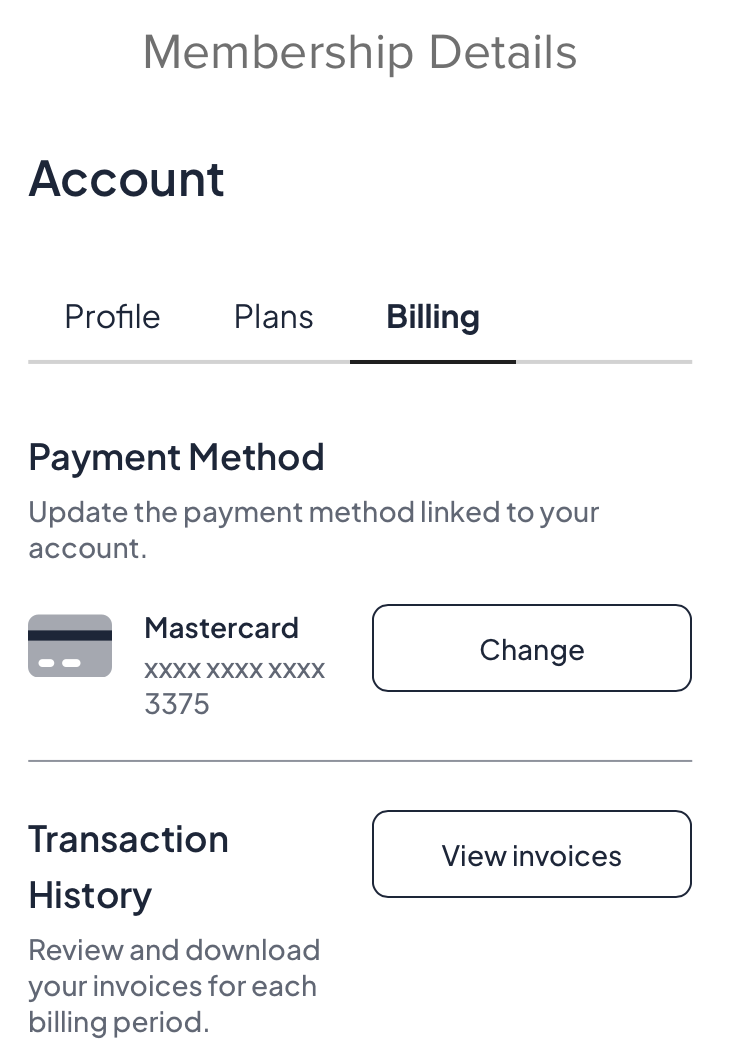
How to change SVMC Membership payment method or cancel membership
At anytime you can change your payment method or cancel your SVMC Membership on the club website.
Go to the membership page of the club website https://www.siliconvalleymotorclub.com/svmc-member-home
If you are not logged in already you will be asked to login. If you don’t remember your password you can reset it from the login page. If you don’t remember your email you can reach out to winston@siliconvalleymotorclub.com to figure out which email you used during the SVMC membership signup process.
Once you are logged in look for the “Membership Details” section (see example below)
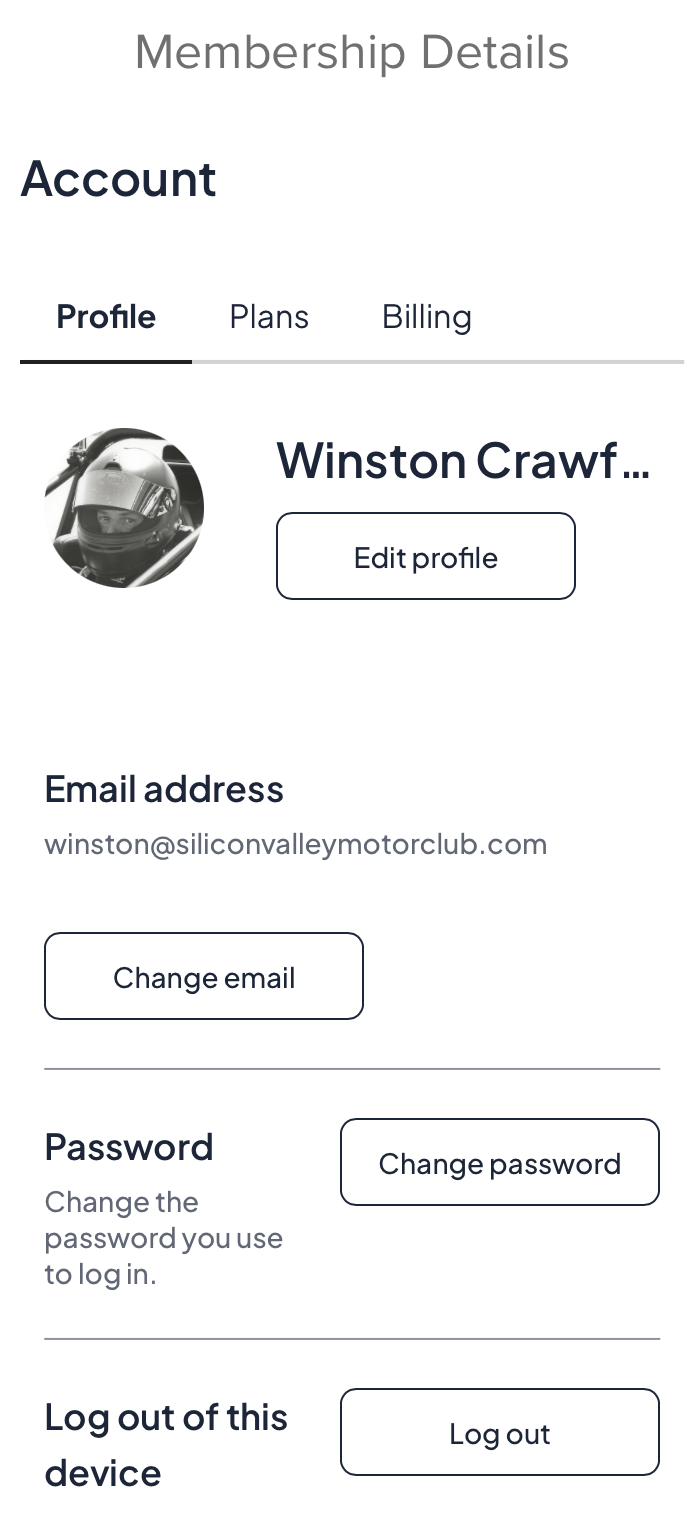
From here you can edit your profile, change your email, and change your password.
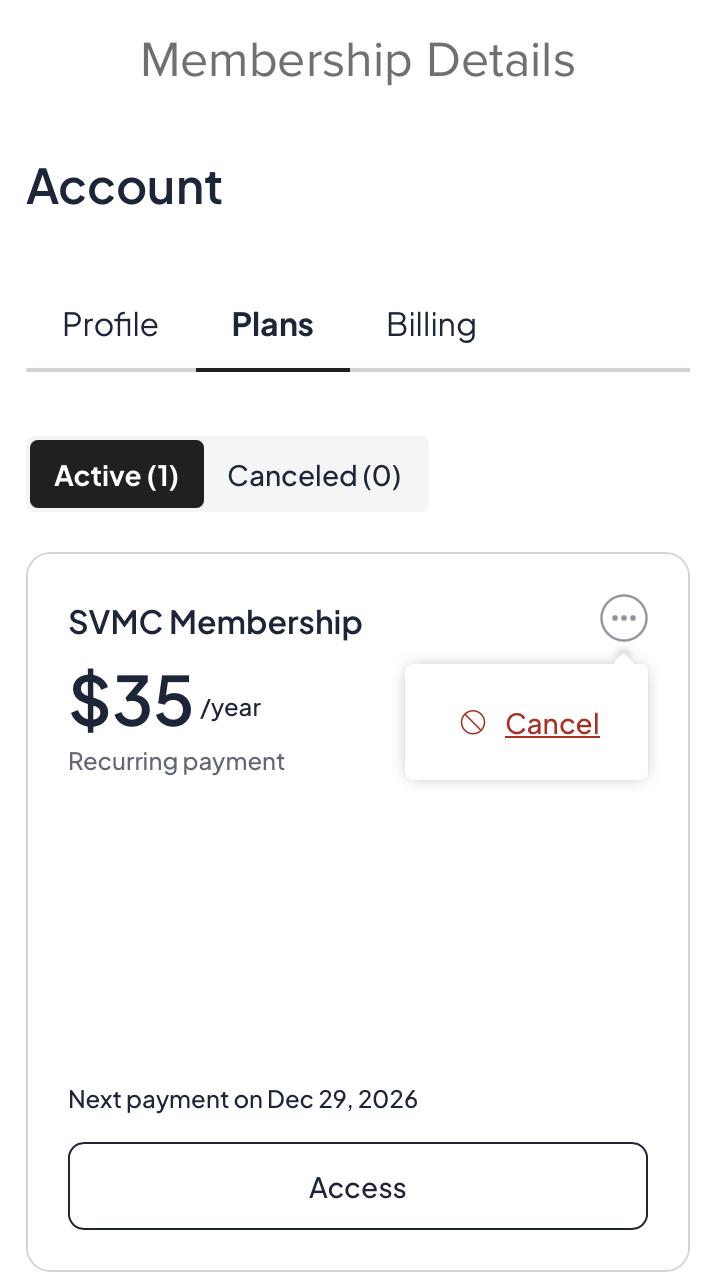
If you click on “Plans” you can look up the plan you signed up for and whether it is active or not.
If you want to cancel your SVMC Membership go to “Plans” and click on the circle with three dots to find the “cancel” option. (see example below)
If you click on “Billing” you can change your payment method or look up your transaction history.